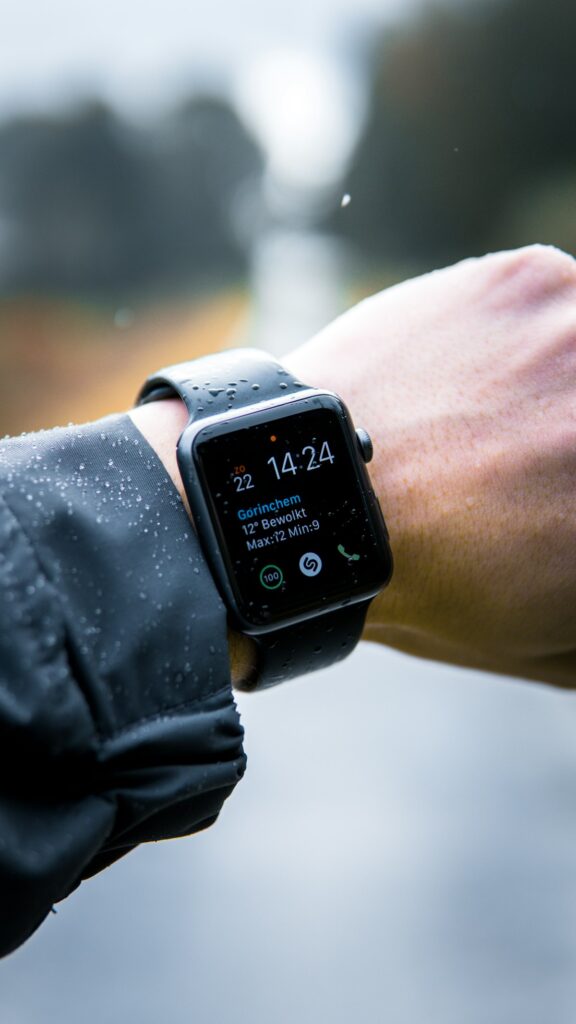
Smartwatches track your workouts, heart rate, sleep quality, and daily notifications. Learn how to verify Apple Watch iCloud pairing locks, test optical heart rate sensors, check water seals, and inspect OLED screens in Kenya.
Removing Previous Owner Activation Lock
Always pair the smartwatch with your own smartphone on the spot before paying. If an Apple Watch requests an Apple ID password or a Garmin prompts an account login, have the seller erase it completely.
Testing the Optical Heart Rate and SpO2 Sensor
Fasten the watch snugly to your wrist. Open the heart rate app. The green LED lights should illuminate underneath, and an accurate heart rate reading should appear within ten seconds.
Checking Screen Scratch Resistance and Touch
Swipe through menus across all four screen edges to confirm the touch digitizer registers smoothly. For sapphire crystal screens, check for deep gouges.
Battery Life and Charging Pucks
Check battery health in settings. The smartwatch should hold charge through a full day of normal notifications without dying in three hours.
Shop Wearable Tech
Explore smartwatches and fitness bands on Rehome.
Practical Tips for the Kenyan Market
When shopping for pre owned goods in Kenya, factor in transport logistics, electrical surge protection, and physical inspection. Always test appliances, furniture joints, and device functionalities thoroughly before completing payment on M-Pesa.
Dealing with verified local sellers or working with Rehome agents provides an extra layer of security, ensuring you get authentic value without unexpected repair costs.