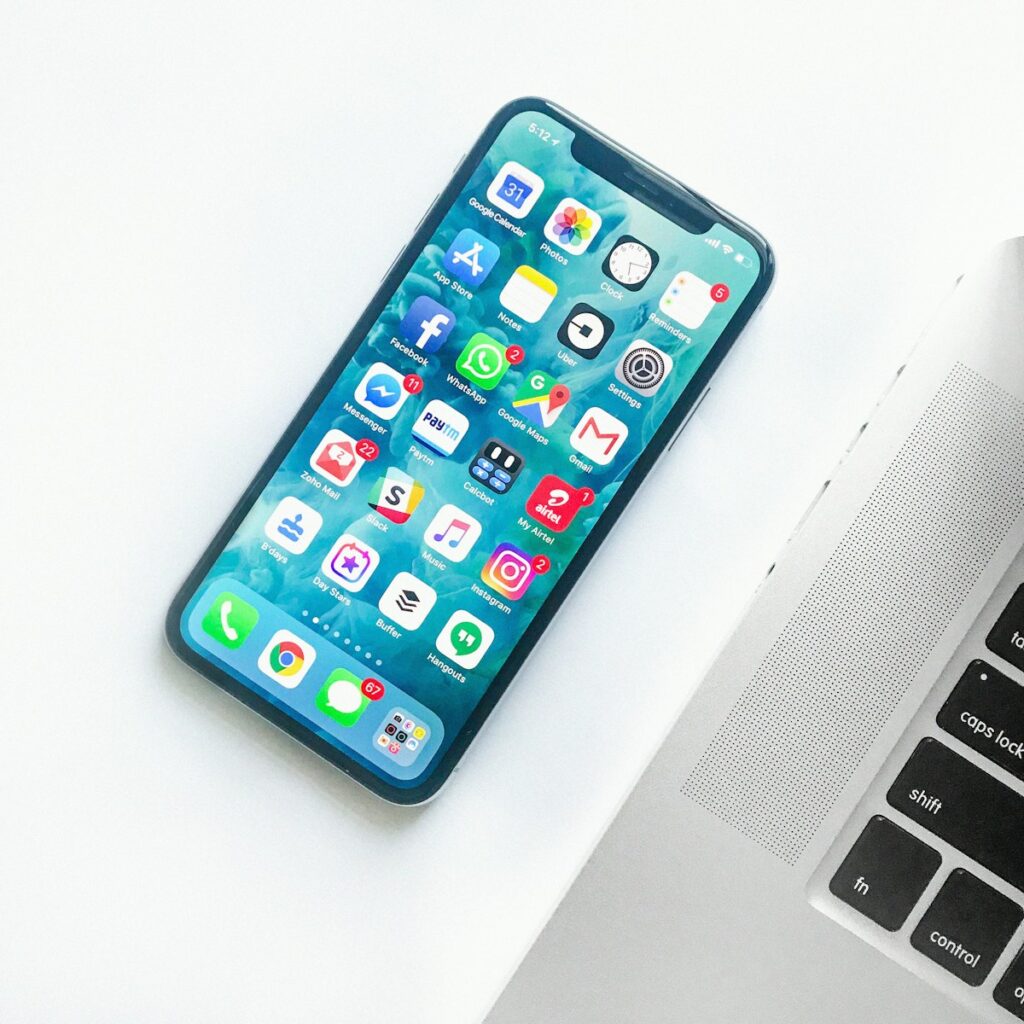
From Samsung Galaxy and Google Pixel to Xiaomi and Tecno, Android phones offer tremendous variety. Learn how to run built in hardware diagnostics, test OLED displays for screen burn in, and verify authentic charging speeds in Kenya.
Using Built In Hardware Diagnostic Menus
On Samsung phones, open the dialer and type *#0*# to launch the hardware test suite. Test screen colors, vibration, speaker volume, front and rear cameras, and touch digitizer accuracy.
Checking for AMOLED Screen Burn In
Open a full screen pure white image. Look for faint ghost outlines of TikTok icons, keyboard letters, or status bars permanently burned into the screen display.
Testing USB C Port Charging and Fast Charge
Plug the phone into a fast wall charger. The battery icon should immediately indicate Fast Charging or Super Fast Charging without needing to wiggle the cable.
Checking Google Account and FRP Lock
Perform a full factory reset in Settings > System > Reset Options. Complete the setup wizard to ensure there is no Factory Reset Protection (FRP) lock requesting the previous owner credentials.
Shop Smart Devices
Find affordable pre owned phones in our electronics category.
Practical Tips for the Kenyan Market
When shopping for pre owned goods in Kenya, factor in transport logistics, electrical surge protection, and physical inspection. Always test appliances, furniture joints, and device functionalities thoroughly before completing payment on M-Pesa.
Dealing with verified local sellers or working with Rehome agents provides an extra layer of security, ensuring you get authentic value without unexpected repair costs.