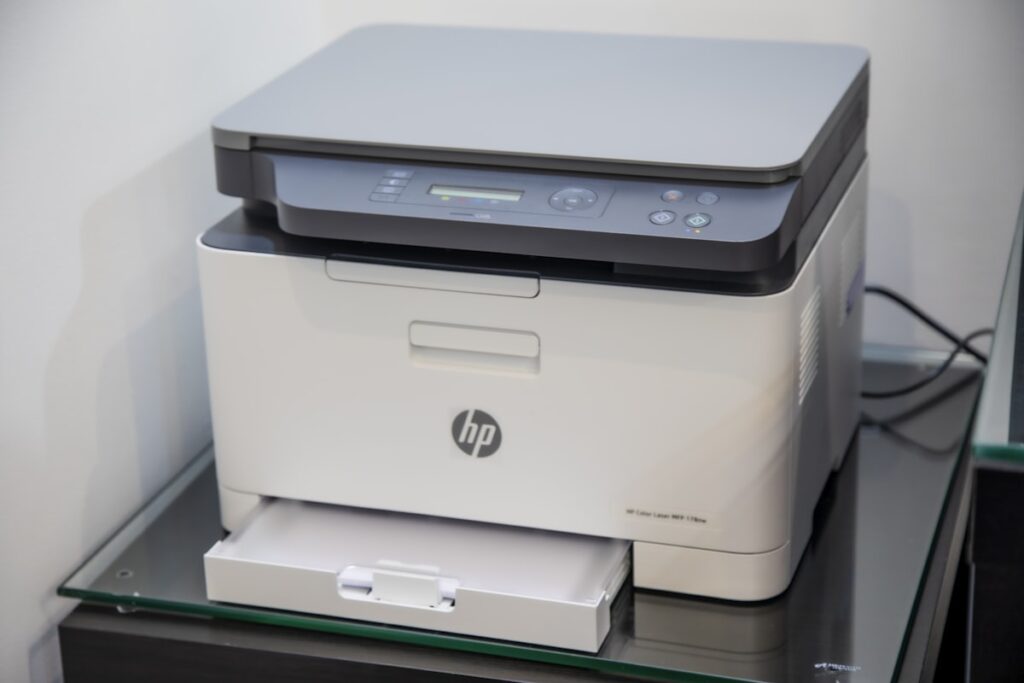
Monochrome and color laser printers from HP, Canon, and Kyocera deliver fast, crisp paperwork for offices and schools in Kenya. Learn how to print diagnostic status pages, check toner drum rollers, test paper feed rollers, and check duplex printing.
Printing the Built In Configuration and Supplies Page
Hold down the printer status button to print the internal diagnostic report. This shows total pages printed, remaining toner percentage, and any recorded paper jam error codes.
Checking the Imaging Drum for Scratches
Pull out the toner cartridge. Inspect the shiny green or blue drum roller. Any hairline scratches on the drum will leave repeated black lines or dots down every printed page.
Testing the Automatic Paper Feed and Pickup Rollers
Load twenty sheets of paper. Print a multi page document. The rubber pickup rollers should grab each sheet smoothly without double feeding or jamming.
Duplex Double Sided Printing and Wi-Fi Networking
Test automatic double sided printing and verify that the printer connects cleanly to your office Wi-Fi network for wireless printing from laptops and phones.
Commercial Office Clearances
Find bulk office printers and furniture on our partnerships page.
Practical Tips for the Kenyan Market
When shopping for pre owned goods in Kenya, factor in transport logistics, electrical surge protection, and physical inspection. Always test appliances, furniture joints, and device functionalities thoroughly before completing payment on M-Pesa.
Dealing with verified local sellers or working with Rehome agents provides an extra layer of security, ensuring you get authentic value without unexpected repair costs.