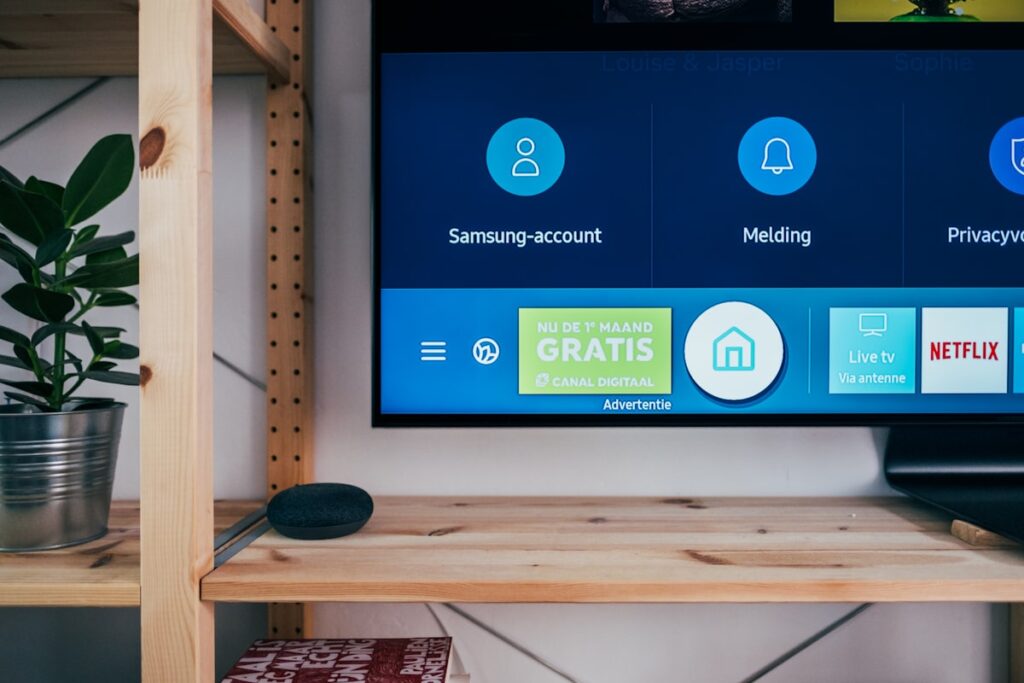
Upgrading your living room entertainment does not require spending 80,000 Shillings on a brand new screen. Learn how to inspect smart 4K TVs, test HDMI ports for PlayStation and Xbox consoles, check refresh rates, and verify built in streaming apps in Kenya.
Screen Resolution: 1080p Full HD vs 4K Ultra HD
For screens forty inches and below, Full HD provides sharp visuals. For screens forty three inches and above, 4K Ultra HD offers four times the clarity, making movies and gaming look breathtaking.
Testing HDMI Ports and Gaming Input Lag
Connect your phone or laptop via HDMI. Switch through every HDMI port to verify sound and video transmission. For smooth gaming on PS4, PS5, or PC, look for game mode presets that reduce controller input delay.
Smart TV Operating Systems: Android, Tizen, webOS
Smart TVs powered by Google TV, Android, Samsung Tizen, or LG webOS give you native access to YouTube, Netflix, Showmax, and Prime Video. Ensure Wi-Fi connects quickly and the remote control operates smoothly.
Inspecting Backlight Uniformity and Sound
Play a dark scene in a movie. Look for cloudy white patches or edge bleeding around the frame. Turn the volume up to seventy percent to ensure the built in speakers do not distort or crackle.
Explore Living Room Screens
Browse verified televisions in our electronics category.
Practical Tips for the Kenyan Market
When shopping for pre owned goods in Kenya, factor in transport logistics, electrical surge protection, and physical inspection. Always test appliances, furniture joints, and device functionalities thoroughly before completing payment on M-Pesa.
Dealing with verified local sellers or working with Rehome agents provides an extra layer of security, ensuring you get authentic value without unexpected repair costs.