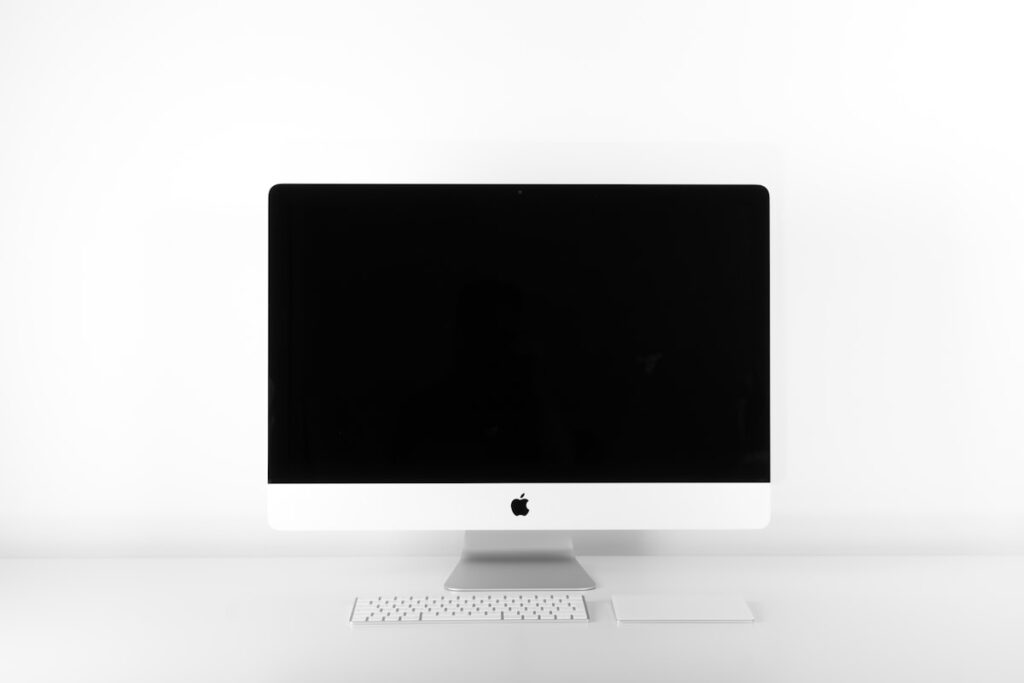
Whether for coding, graphic design, or gaming, a quality computer monitor enhances your daily workflow. Learn how to test IPS display panels, check refresh rates, test HDMI and DisplayPort inputs, and inspect for backlight bleeding.
IPS vs VA vs TN Display Panels
IPS panels offer accurate colors and wide viewing angles. VA panels deliver deep contrast for watching movies in dark rooms. TN panels offer fast response times for competitive esports gaming.
Screen Resolution and Size Sweet Spots
A 24 inch screen pairs perfectly with 1080p resolution. For 27 inch to 32 inch monitors, 1440p (2K) or 4K resolution ensures text and lines stay razor sharp without pixelation.
Testing for Dead Pixels and Screen Scratches
Open full screen red, green, blue, white, and black test slides. Look closely for stuck colored pixels or permanent dark blemishes on the panel glass.
Ergonomic Height Adjustable Stands
Look for monitor stands that tilt, swivel, and adjust vertically. If you plan to use an articulating desk arm, confirm the monitor has standard 100x100mm VESA mounting screw holes at the back.
Find Monitor Deals
Explore pre owned computer screens on Rehome Kenya.
Practical Tips for the Kenyan Market
When shopping for pre owned goods in Kenya, factor in transport logistics, electrical surge protection, and physical inspection. Always test appliances, furniture joints, and device functionalities thoroughly before completing payment on M-Pesa.
Dealing with verified local sellers or working with Rehome agents provides an extra layer of security, ensuring you get authentic value without unexpected repair costs.